
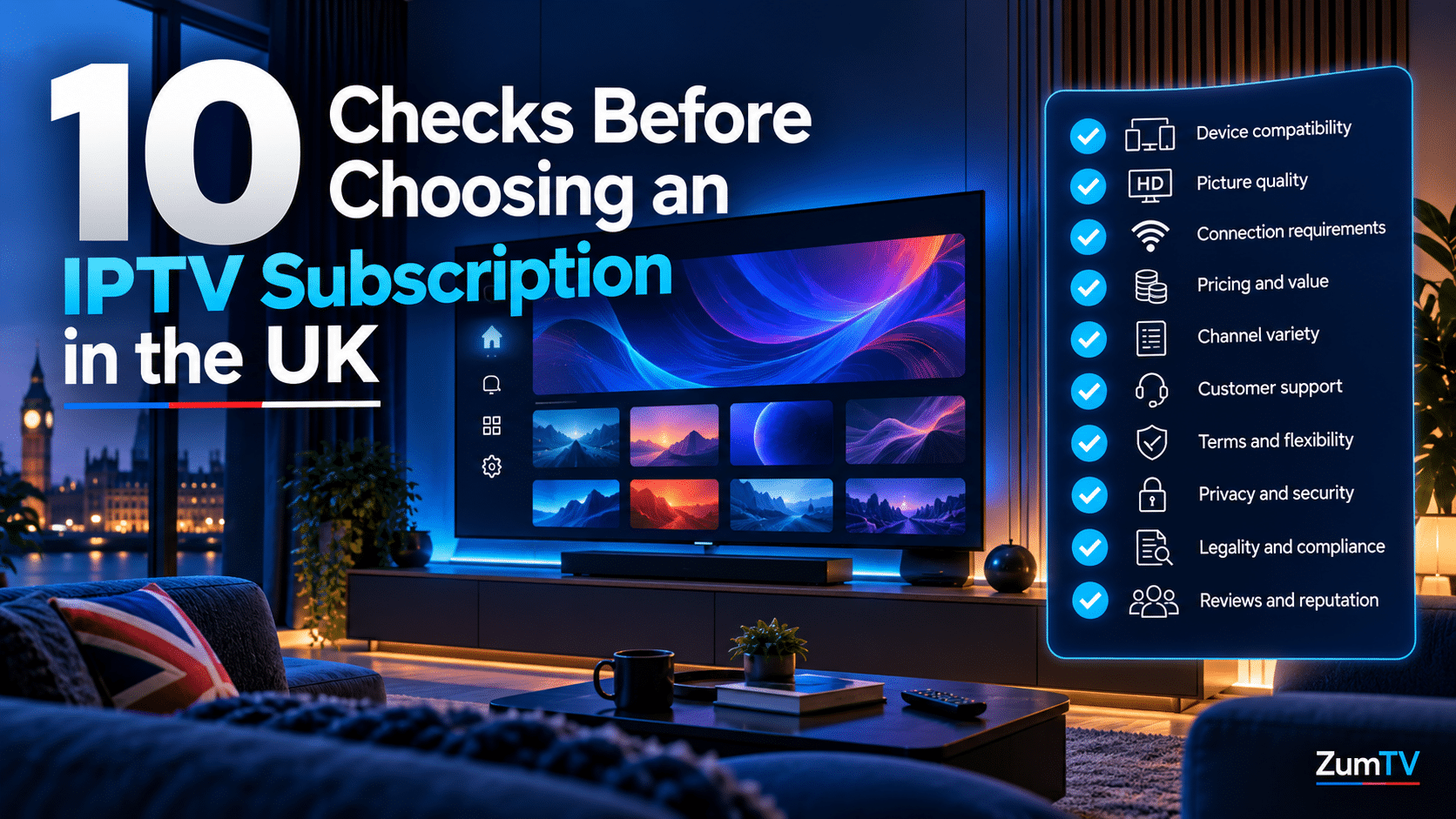
10 Checks Before Choosing an IPTV Subscription in UK
Key Takeaways
- Choosing an IPTV subscription well starts with your own viewing list, not the provider’s channel count. Much of what UK households watch is already free on BBC iPlayer, ITVX, Channel 4 and My5.
- A UK-facing service promising every Premier League match live, Saturday 3pm kick-offs included, is using feeds no UK broadcaster is licensed to show.
- Two free public registers, Companies House and the ICO’s data protection fee register, tell you in about five minutes whether a real UK business sits behind a website.
- Pay by credit card or another method with a dispute process. Section 75 covers credit card purchases over £100, so an annual plan gets stronger protection than a monthly one. Gift cards, crypto, and bank transfers get none.
- The Fire TV Stick 4K Select and the 2026 Fire TV Stick HD run Vega OS and can’t install IPTV player apps. Check your device before you pay for anything.
- Treat the free trial as a stress test. Watch through a Saturday 5:30pm kick-off, check tomorrow’s guide listings and message support before your card details go anywhere.
Choosing an IPTV subscription in the UK looks easy from the outside. Pick a plan, get a login, and start watching. Then you search for help and find page after page of “best IPTV” guides, many of them hosted on big news and brand domains, most of them quietly selling one provider, and almost none of them showing you how to check a service for yourself.
This guide does the opposite. Ten checks, ordered so the ones that protect your money come first. A few take thirty seconds. One takes a weekend evening. Each tells you where to look and what a pass or a fail looks like.
Weighing up a new service? See how ZumTV handles trials and plans →
What Should You Check Before Choosing an IPTV Subscription? 10 Checks Before Choosing an IPTV Subscription in UK!
Check ten things: what you actually watch, whether the service’s promises fit UK broadcast rights, who runs it, how you pay, your device, your broadband, connection limits, how the trial performs at peak time, how support responds, and the renewal terms. The first four protect your money. The next three protect your evenings. The last three decide whether the service is still worth paying for in six months.
Price bands live in our IPTV pricing guide, and match-day server criteria are in our sports-focused IPTV comparison. This is the due-diligence step before choosing an IPTV subscription on either basis.
Check 1: Write Down What You Actually Watch
Start with a real list. Not “sport and films”. Write down the specific channels, shows, competitions and time slots your household watches in a normal week.
Now cross off everything that’s already free. BBC iPlayer, ITVX, Channel 4 and My5 cover most UK terrestrial viewing, live and on demand, through official apps on nearly every device. You’ll need a TV licence for live TV on any service and for iPlayer, which rose to £180 a year from 1 April 2026. That applies whether you use IPTV or not.
What’s left is what you’re actually paying for. Often it’s short: a few international channels, some sports slots, and a better guide. Keep that list. A vast channel count means nothing if the ten names on it are missing or keep freezing.
Check 2: Test the Promises Against UK Broadcast Rights
Sky Sports and TNT Sports are licensed to named broadcasters and partners. In the UK that means Sky, NOW, HBO Max for TNT Sports, and platforms such as Virgin Media, EE, BT and TalkTalk. So any service claiming “every Sky Sports and TNT channel” for a few pounds owes you an explanation.
There’s a faster test, though. Premier League matches kicking off between 2:45pm and 5:15pm on a Saturday can’t be shown live in the UK by anyone. That’s roughly 113 games a season with no legal UK live broadcast. When a UK-facing service advertises all 380 matches live, it’s telling you where its feeds come from. Our Premier League viewing guide explains the rights split for 2026/27.
For the legal side in full, read our guide on whether IPTV is legal in the UK.
Check 3: Find Out Who Actually Runs the Service
This is the check almost nobody does, and it’s free. Search the provider’s company name on Companies House, the government’s public register of UK companies. You’ll see the registration number, registered office address, filing history, and the names of the directors.
Then look at the provider’s website. UK-registered companies are expected to show their registered name and number on their site, usually in the footer or the terms. Do the two match? Is the company still active or overdue on filings? A site with no company name anywhere is a fail on its own.
Next, search the ICO’s data protection fee register. Most organisations handling personal data, which includes anyone taking your email and card details, must pay the Information Commissioner’s Office a fee, and the register is public. A missing entry isn’t proof of wrongdoing by itself. Combined with no company details and support that runs only through Telegram, it’s a clear pattern.
A free WHOIS lookup adds one more signal. A domain a few weeks old offering a steep annual discount deserves a pause, not a payment.
Check 4: Pay in a Way You Can Get Back
How you pay matters almost as much as who you pay. Under Section 75 of the Consumer Credit Act 1974, your credit card provider shares liability with the seller when a single purchase costs over £100 and up to £30,000. A £10 monthly plan won’t qualify. An annual plan over £100, paid by credit card, usually will.
Debit card payments rely on chargebacks instead. That’s a card scheme process rather than a legal right, and it comes with time limits, so raise disputes quickly. PayPal runs its own dispute process too, though check its current terms for digital subscriptions before relying on it.
Gift cards, cryptocurrency, and direct bank transfers give you nothing back if the service disappears. A provider that only accepts those is telling you something. Our pricing guide’s hidden-costs section covers the other warning signs that tend to travel with untraceable payment.
Check 5: Confirm Your Device Can Run the Player
Amazon has moved some Fire TV devices from Fire OS to its own Vega OS, and Vega OS can’t sideload apps. According to AFTVnews in June 2026, that includes the Fire TV Stick 4K Select and the second-generation Fire TV Stick HD from 2026. Neither can install player apps like TiviMate. The Fire TV Stick 4K Max, 4K Plus, and Fire TV Cube still run Fire OS.
To check a stick you already own, go to Settings, then My Fire TV, then About. A software version starting with 1 means Vega OS.
Smart TVs age out too, usually after three to five years of firmware support. Our smart TV vs Firestick vs MAG box comparison covers the trade-offs. Whatever you use, the provider should name a supported player and give you an official download link. A “fully loaded” stick that arrives already doing everything goes straight back.
Check 6: Measure Your Broadband Before Blaming Anyone
Run a speed test on a device wired into your router at 8pm on a weekday, not at lunchtime. Evening speeds are the ones that matter, because that’s when your street is streaming too.
As a working guide, a live HD stream typically needs around 8 to 15 Mbps, and Ultra HD needs 25 Mbps or more. Two HD streams plus phones, laptops, and background updates can easily call for 40 Mbps of real headroom. If your wired evening result is below what your household needs, no provider will fix that.
Sky Glass households should also read our Sky Glass buffering guide. For general fixes, see how to fix IPTV buffering on UK broadband.
Check 7: Match Connections to Your Household, Not the Plan Name
A “connection” means one stream running at once. Plan names like “Family” or “Multi-Room” don’t tell you the number, so find the actual figure in the plan details.
Then count your real peak. Sunday evening is usually the test: one screen in the lounge, one in a bedroom, someone watching on a phone. That’s three. If the plan allows two, the third viewer gets an error, or someone gets kicked off mid-programme.
Also ask what happens when you go over the limit. Some services refuse the extra stream. Others flag the account. Better to know before match day.
Know your devices and your connection count? Compare ZumTV plans against your list. →
Check 8: Run the Free Trial Like a Stress Test
Most people open a trial on a Tuesday afternoon, flick through a few channels, and decide it works. Almost nothing breaks on a Tuesday afternoon.
So plan the trial around the moments that expose weak services. Watch through a Saturday at 5:30pm. Premier League kick-off or a Sunday 4:30pm slot, when server demand peaks. Open tomorrow’s programme guide for five channels on your list and compare it with the broadcasters’ official schedules. Try catch-up on a programme from two days ago. Count how many seconds a channel change takes. Then run a second device at the same time, on a different room’s Wi-Fi.
Write down what happened. If the trial is only 24 hours, ask to start it on a Friday evening. A provider confident at peak time usually says yes.
Check 9: Contact Support Before You Pay
Send support a specific question before you subscribe. Something like, “Does your guide include Channel 4+1, and how far back does catch-up go on ITV1?” Send it on a weekday evening.
Note how long the reply took, whether it answered the question, and which channel it came through. Email, live chat or a ticketing system tied to a named company is what you want. A copy-and-paste reply, no reply, or a push to move the chat to Telegram tells you how a fault will be handled mid-match.
Check 10: Read the Terms That Decide Month Six
Month one rarely goes wrong. Month six does. Find four things in the terms: automatic renewal, the price after any introductory offer, cancellation notice, and the refund policy if channels vanish or the service goes down for days.
UK consumer law generally gives you 14 days to cancel online service contracts, but for digital content you can lose that right once you start streaming if you agreed to begin straight away. Read the checkbox wording at checkout.
That leaves a genuine trade-off. Monthly billing limits what you can lose. Annual plans over £100 on a credit card get Section 75 cover. Our approach: prove the service on a monthly plan through at least one busy weekend, then move to annual by credit card if it held up.
Quick Reference: What a Pass and a Fail Look Like
| Check | Pass | Fail |
|---|---|---|
| 1. Your viewing list | Your paid-for channels are present and watchable. | Big channel count, your names missing |
| 2. Broadcast rights | Claims fit the UK rights picture. | “All 380 matches live.” |
| 3. Who runs it? | Company name and number match Companies House. | No company details anywhere |
| 4. Payment | Credit card or a method with a dispute process | Gift cards, crypto or bank transfer only |
| 5. Device | Fire OS stick or supported smart TV, official player link | Vega OS stick, or a preloaded “fully loaded” device |
| 6. Broadband | Wired 8pm speed covers all your streams plus headroom. | Evening speed below household demand |
| 7. Connections | The stated number matches your Sunday-evening peak. | Vague plan names, no figure given |
| 8. Trial | Stable through a weekend kick-off, accurate guide | Only tested on a quiet weekday |
| 9. Support | Useful answer on a weekday evening | No reply, or pushed to Telegram |
| 10. Terms | Clear renewal, cancellation and refund wording | “Lifetime” plans, no refund policy |
Where ZumTV Fits
ZumTV is a companion streaming access layer for UK viewers. It isn’t a broadcaster, and it doesn’t hold rights to Sky Sports, TNT Sports or any other exclusive content. Free-to-air channels stay free through BBC iPlayer, ITVX and the rest, and we’d tell anyone to use them.
What ZumTV adds is the organised, rolling part of your setup: a working programme guide, support when a login misbehaves, and plans you can stop without a termination fee. Setting up on a compatible device takes a few minutes with our ZumTV setup guide. And we’d rather you ran all ten checks on us than took our word for any of it.
What should I check first when choosing an IPTV subscription?
Your own viewing list. Write down the channels and slots you watch, cross off what’s free on iPlayer, ITVX, Channel 4 and My5, and judge every provider against what remains.
How can I tell if an IPTV provider is a real UK company?
Search its name on Companies House and compare the registration number and address with the provider’s website. Then check the ICO’s data protection fee register. No company details at all is a fail.
Is it safer to pay for IPTV by credit card?
Yes. Section 75 of the Consumer Credit Act 1974 covers single credit card purchases over £100 and up to £30,000. Monthly plans under £100 rely on chargeback, which has time limits.
How long should an IPTV free trial be?
Long enough to cover a busy weekend slot, such as a Saturday 5:30pm kick-off. If the trial is 24 hours, ask to start it on a Friday evening.
Which Firesticks can’t run IPTV player apps?
The Fire TV Stick 4K Select and the 2026 second-generation Fire TV Stick HD, which run Vega OS. The Fire TV Stick 4K Max, 4K Plus, and Fire TV Cube still run Fire OS.
Do I still need a TV licence with an IPTV subscription?
Yes, if you watch or record live TV on any service or use BBC iPlayer. The licence costs £180 a year from 1 April 2026.
Final Thoughts
Choosing an IPTV subscription goes wrong for predictable reasons. People judge the channel count instead of their own list, pay by bank transfer, test the trial on a quiet afternoon, and never read the renewal terms. Each of those mistakes takes only a few minutes to avoid.
Run the ten checks in order when choosing an IPTV subscription. The first four take less time than a cup of tea and weed out most services you’d regret. The rest takes one weekend. A provider that passes all ten has earned a month of your money. One that dodges any of them hasn’t.
Ready to put a service through all ten checks? Start your ZumTV trial →